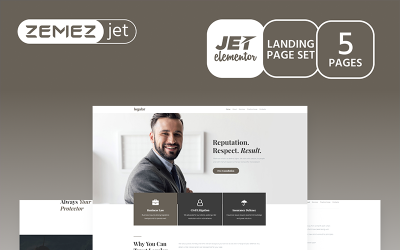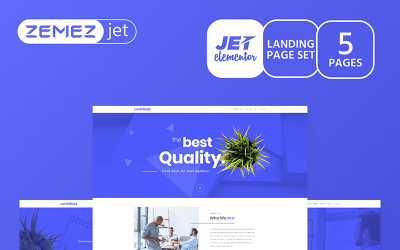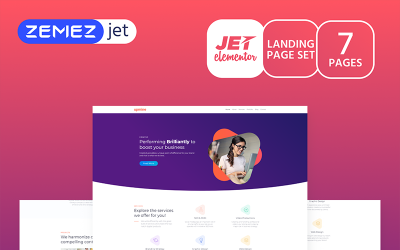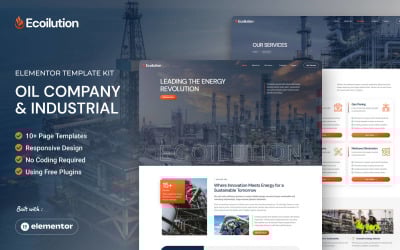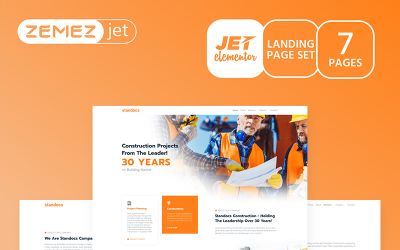
ZeloWaste - Waste Management & Disposal Services Elementor Template Kit
ZeloWaste is a modern and clean Elementor Template Kit designed for waste management and disposal businesses. With a professional, fully responsive design, it’s perfect for waste pickup, recycling, or disposal services. Built with Elementor, it allows easy customization without any coding skills required. Featuring 14 pre-designed templates, ZeloWaste helps you create a high-quality website in just one click.
Our template kit has the following features:
- True no-code customization with drag and drop
- 14 pre-built templates ready to use
- Using Free Plugins
- 100% Fully Responsive & Mobile-friendly
- Modern and Professional design
Templates Include:
Header & Footer (ElementsKit):
- Header
- Footer
Forms (Metform):
- Contact Form
- Newsletter Form
Pages:
- Homepage
- About Us
- Services
- Single Service
- Pricing Plan
- Projects
- Contact
- Archive Blog
- Single Post
- 404 Page
Plugins Required:
- Elementor Website Builder
- Elementskit Lite
- Skyboot Icons
- Metform
Recommended Theme:
- Hello Elementor (free)
How to Import Your Purchased Template Kit
- Download the template file you’ve purchased and unzip it. Inside, you will find a file named main-file.zip — do not unzip this file.
- Go to WordPress Dashboard → Elementor → Tools, then select the “Website Templates (Import/Export Kit)” tab. Click the “Import” button under the “Apply a Website Template” section.
- Upload the main-file.zip file, or simply drag and drop it into your WordPress window.
- Wait for the import process to complete. Once it’s done, go back to your WordPress Dashboard.
- Navigate to Dashboard → Elementor → Settings, then check both of these options: "Disable Default Colors" and "Disable Default Fonts". After that, click Save Changes.
- Next, go to Dashboard → Settings → Permalinks, select “Post name” under the Permalink structure option, and click Save Changes.
- To display or customize the form templates, please refer to the “Documentation” file included in your download.
Notes:
Images/photos are only for demo purposes, if you want to use one or all of the photos as in the demo there are several conditions where you have to subscribe (image source link is in the purchase package).
Changelog
##Update October 15, 2025 :
- Tidying Up Blog Articles & Form
- Plugins update to the latest version: Elementor (v3.32.4), ElementsKit Lite (v3.7.3), MetForm (v4.0.6), Skyboot Icons (v1.1.0)
License: Premium More info
Topics:
Tags:
Elementor Version:
Features:
Images included:
General software requirements:
Code editing tool ZIP unarchiver