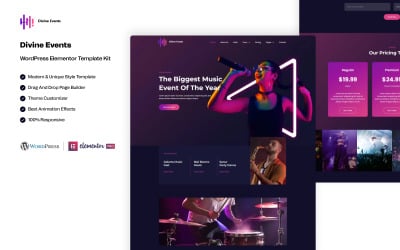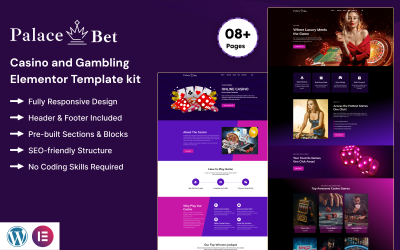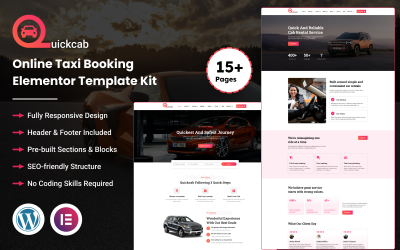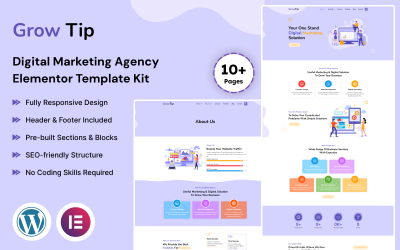
Little Star - Learning School Elementor Template Kit
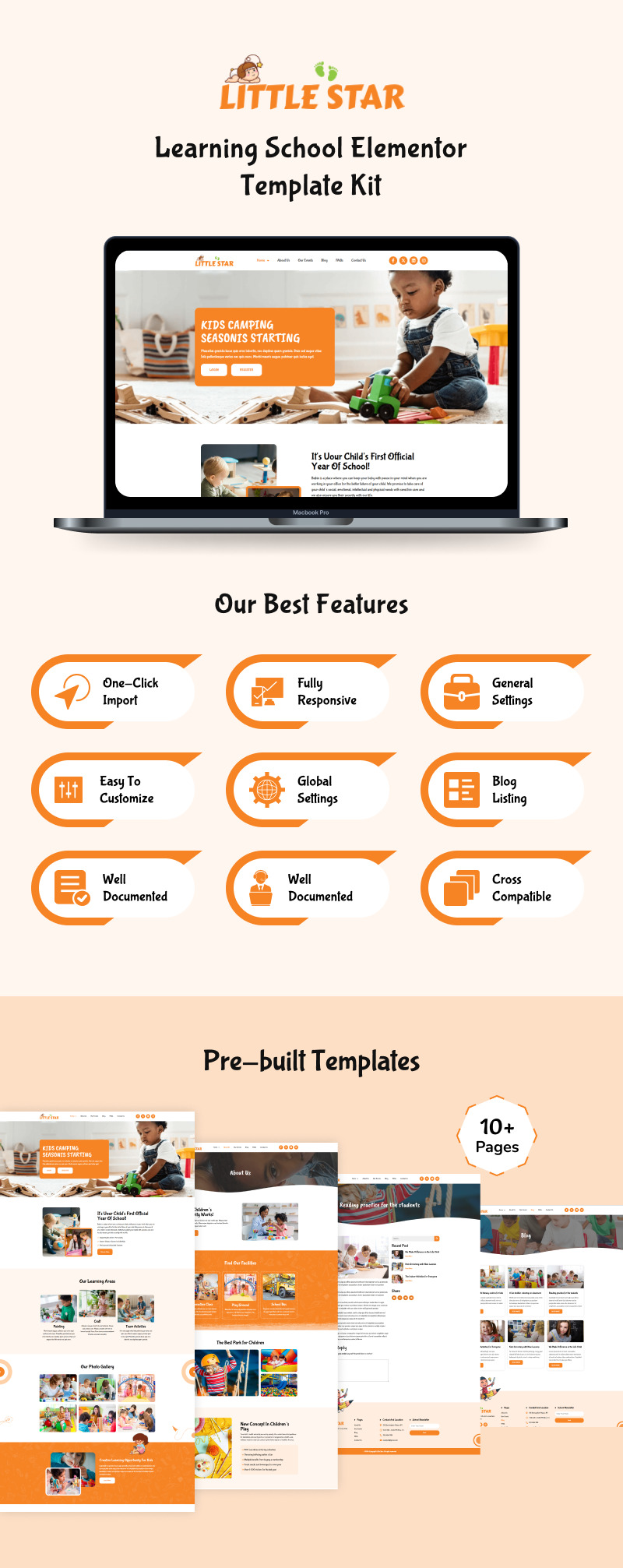

Little Star is the perfect Elementor Pro Template Kit for anyone looking to build a vibrant and engaging website for early childhood education. Whether you are running a preschool, a kindergarten, or a private learning center, this kit offers a playful design that appeals to both parents and children. It is built to showcase your school's unique personality and educational values.
This kit leverages the power of Elementor Pro, providing you with advanced design features and full control over every pixel. With 10+ pre-designed pages, including Home, Classes, and Teacher profiles, you can set up a professional online presence without any technical hurdles. The layouts are optimized for fast loading and high performance, helping your school rank better on search engines.
Customizing Little Star is incredibly easy and requires zero coding skills. You can quickly change colors, fonts, and images using the simple drag-and-drop interface. The kit is 100% responsive and cross-browser compatible, ensuring that your website looks stunning and works perfectly on every device, from smartphones to desktops. Start building your dream school website today!
Key Features
- 10+ Beautiful Pages: Pre-made layouts for every school's needs.
- Elementor Pro Template Kit: Built with advanced Pro features for maximum flexibility.
- Header & Footer: Custom global header and footer templates included.
- Easy to Customize: Edit everything visually with a simple drag-and-drop.
- 100% Responsive: Optimized for mobile, tablets, and desktops.
- Cross-Browser Compatible: Works flawlessly on Chrome, Safari, and Firefox.
- No Coding Skills Required: Perfect for beginners and busy school owners.
Required Plugins & Theme
- Elementor (Free)
- Elementor Pro (Required for all features and templates)
- Hello Elementor Theme (Recommended for best performance)
- Hello Elementor (free)
- Child Theme for Hello Elementor (optional)
How to Import a Template Kit
- Download your main zip folder - unzip this primary folder, and you will find folders for the following: Documentation, Media, and OneClickImport.
- For the main upload able kit file, please go through the "OneClickImport" folder from the extracted folder - Do not unzip (the zip is titled "elementor-kit.zip")
- Go to WordPress Dashboard - Elementor - Tools - Import / Export Kit
- Click Import a Template Kit
- Drag and drop the included site kit zip file to import
- Select the plugins you want to import (you will need an Elementor Pro license) - Click Next
- Select which parts you want to apply - for a full site import, make sure everything is checked. Click Import
Image Licensing
All images, icons, and assets are included with the final downloadable zip file that you will receive on purchase. We highly recommend replacing it with your assets or contents. If you choose to use our images, icons, and assets then first, please ensure they're properly licensed.
By default, all our images are used with CC0 (Creative Commons Zero) License.
Support & Documentation
Every purchase includes a detailed documentation file to guide you through the setup process. If you face any issues or have questions, our dedicated support team is ready to assist you via our marketplace profile page.
Tips After Importing
- Review our documentation file - this provides installation, configuration, and update information as well as tutorial videos.
- Once imported - add your site logo to the global Site Settings area.
- Add a new menu for use in the header and a separate (or the same) menu for the footer.
- Re-save your permalinks.
- We offer full documentation on the demo page as well as support through TemplateMonster.
Changelog
December 24, 2024
- Added new home page variation v2
March 02, 2025
- Added new home page variation v3
License: Premium More info
Tags:
Elementor Version:
Features:
Images included:
General software requirements:
Code editing tool ZIP unarchiver